


9th May 2024
5 min read
Magic B&W Photography
Magic Black and White Photography
Step 1: Open your photo in AI Illustwitter
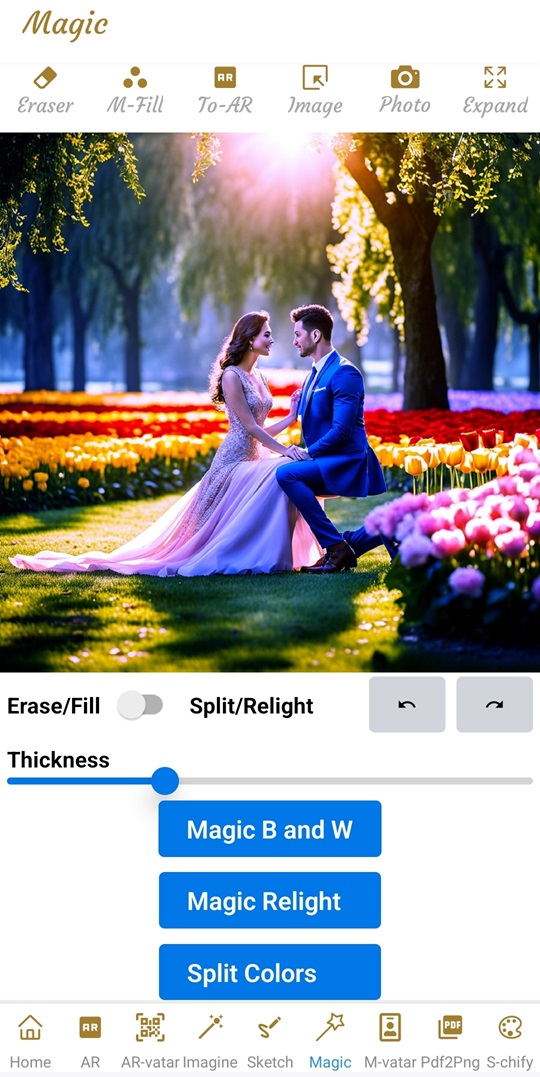
Magic Black and White Photography With AI Illustwitter
Step 2: Create Black and White Photography With AI Illustwitter
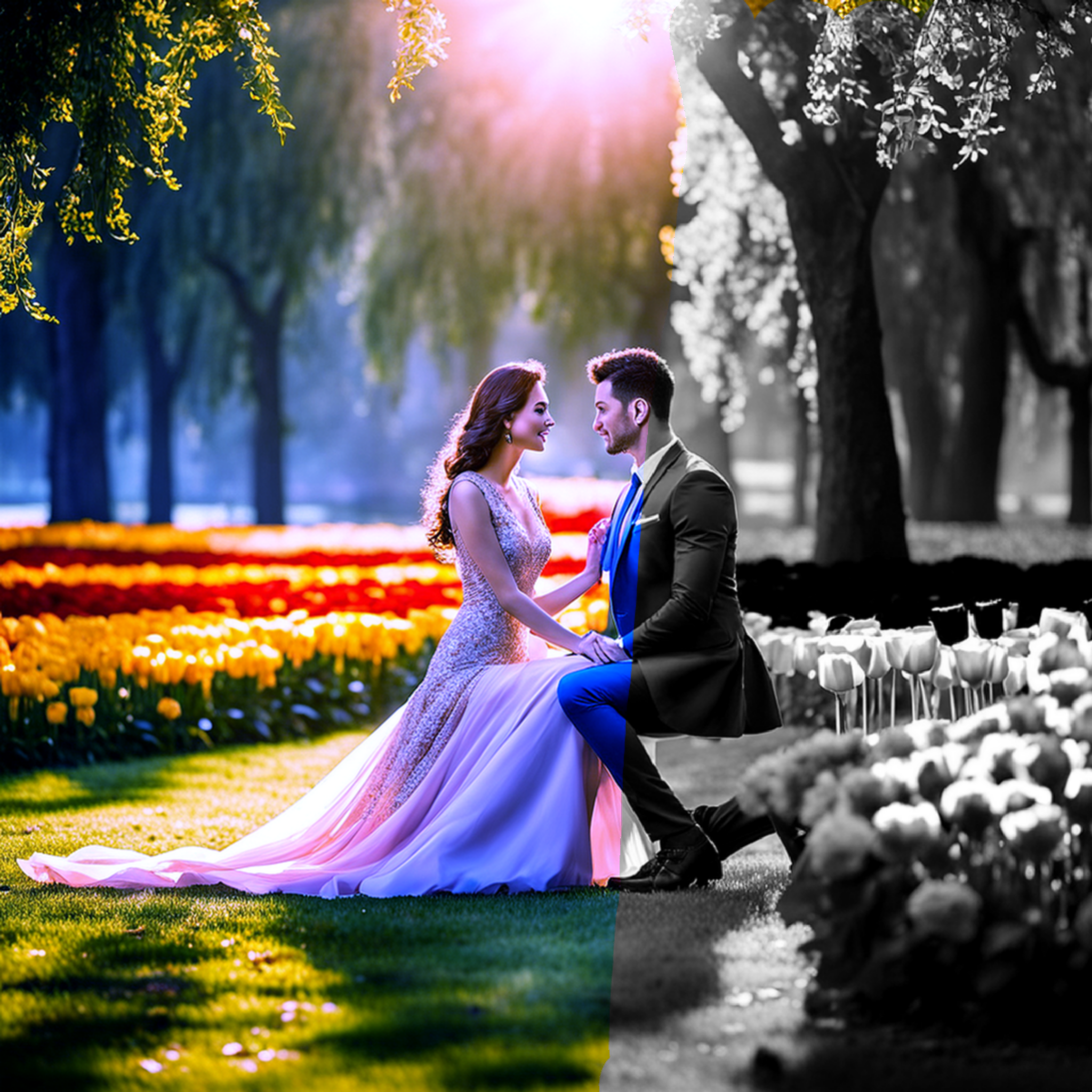
Magic Black and White Photography With AI Illustwitter
There is no limit what kind of images can be generated from text using AI Illustwitter. The artwork can then be shared via AR-vatar and viewed in Augmented Reality.
In addition, you will enjoy the advanced AI-powered Image Editing features to named a few: Generative Fill, Generative Expand, Magic Move, AI Upscaler (upscale to 4X, 16X, and 64X to 8K 8192x8192 pixels images all in one go!), background remover, change background easily using text description and last but not least the magic AI Layering and automatic Repositioning in which intricate image is break down into separate layers and automatically reposition objects, transforming the way we approach image editing. AI Illustwitter is available to download from Apple Store and Google Play. Check it out!


Next article to read:
SEA Agents
Professional photo editing requires a significant amount of time and efforts. Great, professional quality photo is a result of many editing techniques including: exposure adjustment, color grading, sharpening and detail enhancement, shadows adjustment, great lighting, texture refinement, contrast boost, skin retouching... To master these techniques requires years of experience and advanced photo editing tools. Now, with the help of AI Agents, many such time consuming tasks can be delegated to the agents and you can achieve high quality image with just a single click using AI Illustwitter SEA Agents (Single Click Image Enhance And Auto Correction Agents). Read more about AI Illustwitter Photo Editor at: https://ai-illustwitter.art
11th December 2025
5 min read
Color Variance
The right color grading can make a product pop, influence perception, and drive emotion. But behind every perfectly color balanced photo lies a tedious process: hours of manual editing, color grading, and fine-tuning to achieve that just look good. AI Illustwitter Color Variance tool addresses the common issue we encounter during post-processing: uneven color grades. It’s a subtle yet powerful tool that could turn your photos from "good" to "amazing". Read more about AI Illustwitter at: https://ai-illustwitter.art
6th November 2025
5 min read
Multi Agents Generative Optimize
Creating professional, high quality images from your raw product photos is a time consuming task and requires advanced photo editing skill such as Photoshop or similar professional image editing tools. Photoshop is a great tool for editing studio quality images, but it requires a lot of times and years of experiences with the tools. Instead of spending hours on Photoshop or paying for expensive studio settings, AI Illustwitter Photo Editor Mango tool handles everything automatically:. Read more about AI Illustwitter at: https://ai-illustwitter.art
17th October 2025
5 min read
E-deation Creative Design Process
E-deation is the tool provided by AI Illustwitter Photo Editor to support the creative process of generating, developing new marketing materials (images) or product photos from a single image. Read more about AI Illustwitter Photo Editor at: https://ai-illustwitter.art
2nd October 2025
5 min read